
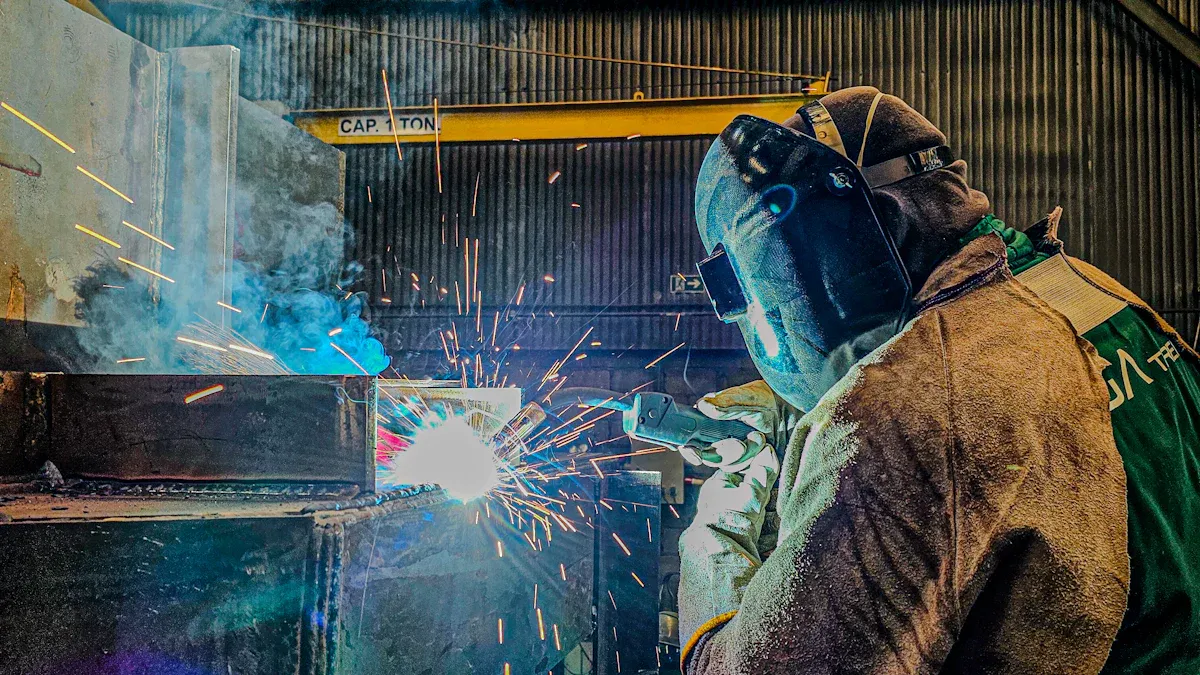
Using welding helmet modes correctly is crucial for my safety and performance. When I neglect these settings, I risk serious consequences, including eye strain and reduced visibility. Research shows that helmets with auto-darkening technology significantly enhance visibility, leading to better accuracy and productivity. In fact, over 50% of welding injuries stem from inadequate eye protection. By understanding and testing my helmet’s modes, I can improve my comfort and focus during long tasks, ultimately boosting my efficiency in welding operations.
Key Takeaways
- Using the correct mode on your welding helmet is essential for safety and performance.
- Auto-darkening mode enhances visibility and protects your eyes from harmful radiation.
- Grind mode allows for better visibility during grinding tasks without removing the helmet.
- Cut mode optimizes visibility for cutting tasks, helping you make precise cuts.
- Adjust sensitivity settings based on your environment to prevent eye strain.
- Set the delay time appropriately to protect your eyes from residual light after welding.
- Regularly inspect and maintain your welding helmet to ensure it functions properly.
- Stay informed about new welding helmet technologies to enhance your safety and efficiency.
Understanding Welding Helmet Modes
Common Modes of Welding Helmet
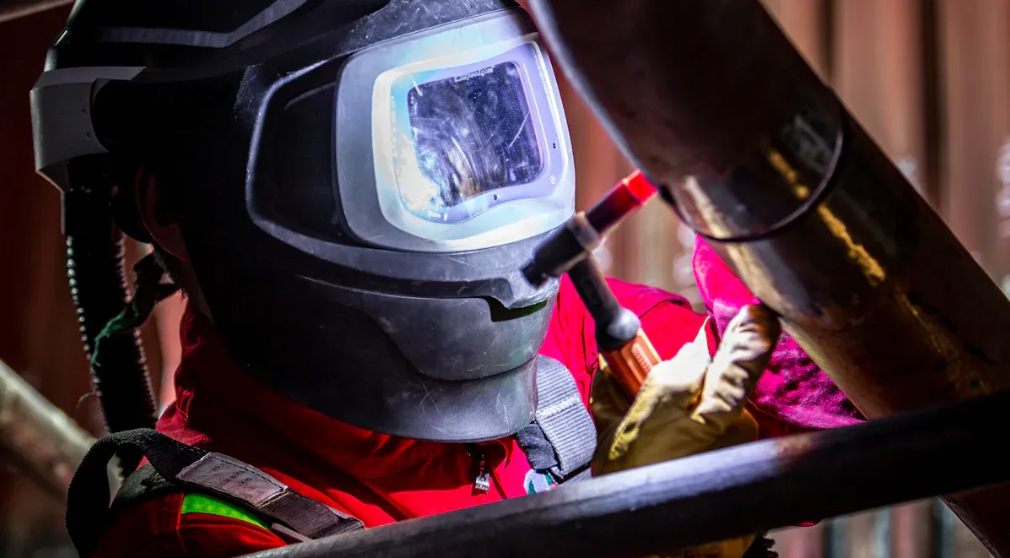
Welding helmets come equipped with various modes designed to enhance safety and efficiency. The most commonly used mode is the auto-darkening feature. This mode automatically adjusts the lens shade based on the intensity of the welding arc. I find this feature incredibly beneficial, especially in industrial settings where I often switch between different welding tasks. It allows me to maintain focus without the distraction of manually adjusting the helmet.
In addition to auto-darkening, many helmets include grind and cut modes. Each mode serves a specific purpose, ensuring that I have the right visibility for different tasks.
Purpose of Each Mode
Benefits of Auto-Darkening
The auto-darkening mode is a game-changer for welders like me. It uses electronic sensors to detect the welding arc and darkens the lens instantly. This feature not only protects my eyes from harmful radiation but also improves my work efficiency. I no longer need to stop and adjust my helmet between welds, which saves time and keeps my workflow smooth. Research indicates that this mode significantly enhances visibility, allowing me to see my work clearly and make precise adjustments as needed.
When to Use Grind Mode
Grind mode is specifically designed for tasks that require a lower shade level. When I switch to grind mode, the helmet maintains a low shade, which enhances visibility during grinding operations. This functionality is crucial for safety and productivity. I appreciate being able to keep my helmet on while grinding, as it eliminates the need to remove it and risk exposure to flying debris. The clarity provided by grind mode allows me to work efficiently without compromising my safety.
Applications of Cut Mode
Cut mode is another essential feature of my welding helmet. This mode is tailored for cutting tasks, providing a specific shade that optimizes visibility while protecting my eyes. When I use cut mode, I can clearly see the cutting line and make precise cuts. This mode is particularly useful when I need to perform detailed work or when I am working with materials that require careful handling. The right shade in cut mode ensures that I can focus on my task without straining my eyes.
By understanding these modes and their specific applications, I can maximize the effectiveness of my welding helmet. Each mode plays a vital role in ensuring my safety and enhancing my performance during various welding tasks.
How to Adjust Your Welding Helmet
Adjusting my welding helmet correctly is essential for optimal performance and safety. Two critical adjustments I focus on are sensitivity settings and delay time. These settings can significantly impact my comfort and protection while welding.
Adjusting Sensitivity Settings
Sensitivity settings determine how quickly the lens darkens in response to light. I always adjust these settings based on my environment. For instance, in a busy area with multiple welders, I lower the sensitivity to prevent constant triggering of the auto-darkening feature. Conversely, when I work alone with low arc current, I increase the sensitivity for better visibility.
Here are some steps I follow to adjust the sensitivity settings:
- Start with a lower sensitivity setting.
- Gradually increase the sensitivity based on my specific requirements.
- Test the adjustments in different lighting conditions to ensure optimal performance.
Proper sensitivity settings not only protect my eyes but also prevent unnecessary darkening in non-welding situations. This adjustment reduces the risk of eye strain, allowing me to focus on my work without distractions.
Setting Delay Time
Delay time settings control how long the lens remains dark after I stop welding. This feature is crucial for protecting my eyes from residual light. I find that the optimal delay time varies depending on the application. For general welding, I typically set the delay to around 0.5 seconds when repositioning. However, for higher amperages, I extend the delay to about 2 seconds.
Here’s a quick reference table for delay time settings based on different applications:
| Application | Delay Time Setting |
|---|---|
| General welding (repositioning) | 0.5 seconds |
| General welding (higher amperages) | 2 seconds |
Additionally, I consider the material and welding process when setting the delay time. For example, when welding C-Mn steel using SMAW, I set the delay to approximately 4.7 seconds. This longer delay prevents immediate exposure to bright welds, enhancing my safety and comfort.
By adjusting both sensitivity and delay time, I can ensure that my welding helmet provides the best protection and visibility for each task. These adjustments are vital for maintaining high-quality welds while safeguarding my eyesight.
Common Mistakes in Using Welding Helmet Modes
Ignoring Mode Settings
One of the most frequent mistakes I see among welders is ignoring the mode settings on their helmets. This oversight can lead to serious safety issues. I learned early on that understanding my equipment is crucial. Familiarizing myself with the specific welding helmet I use helps me avoid overlooking important settings.
Here are some steps I follow to ensure I don’t ignore mode settings:
- Know Your Equipment: I take the time to read the manual and understand the features of my welding helmet.
- Assess Risks and Identify Hazards: Before starting a job, I evaluate the environment and task for potential hazards. This assessment includes checking mode settings.
- Check Your Welding Equipment: Regular inspections of my welding helmet ensure it functions correctly, including mode settings.
- Check Your Welding Environment For Safety: A safe environment allows me to focus on my equipment settings without distractions.
- Ensure Adequate Ventilation: Proper ventilation keeps my mind clear, reducing the chance of overlooking important settings.
Ignoring these settings can lead to improper protection. For instance, if I forget to adjust the delay time, I risk exposure to bright light after stopping welding. This can cause discomfort and even flash burns.
Misunderstanding Mode Functions
Misunderstanding the functions of welding helmet modes is another common mistake. Many welders, including myself at times, have misconceptions about how these modes operate. For example, I once thought that if the auto-darkening feature did not activate, I would be at risk for flash burn. However, I learned that ANSI-certified helmets provide necessary protection against UV and IR burns, regardless of lens activation.
Here are some common misconceptions I’ve encountered:
- A faster lens switching speed does not necessarily mean a safer helmet. All ANSI-certified helmets meet minimum switching speed requirements, ensuring protection as long as the helmet is lowered.
- Some welders may not recognize the differences between DOT and Snell certifications, leading to improper helmet use. Understanding these standards is critical for safety.
- I also realized that a DOT sticker does not guarantee safety. It relies on manufacturer self-certification rather than independent testing.
By addressing these misunderstandings, I can use my welding helmet more effectively. Proper knowledge of mode functions enhances my safety and improves my overall welding experience.
Testing Your Welding Helmet’s Modes
Visual Inspection
I always start my welding process with a thorough visual inspection of my welding helmet. This step is crucial for ensuring that my equipment is in optimal condition. Here’s how I conduct my visual inspection:
- Inspect the helmet: I check for any signs of damage or wear, ensuring all components are in good condition.
- Test the helmet’s functionality: I use the test button to verify the lens’s response before welding.
- Regular maintenance and care: I follow the manufacturer’s recommendations for cleaning and inspect the helmet regularly.
According to safety standards, I should perform these inspections monthly and annually, along with checks before each use. This routine helps me catch any potential issues early, ensuring my safety while welding.
Functional Testing
After completing the visual inspection, I move on to functional testing. This step verifies that the modes of my welding helmet work as intended. Here are some functional tests I regularly perform:
- Sun Test: I look towards the sun to assess the auto-darkening function. The lenses should darken automatically.
- IR Remote Test: I use an infrared remote to check if the helmet darkens in response to the IR signal.
- Full Sunlight Exposure: I expose the helmet to full sunlight to trigger the auto-darkening feature.
- Spark from a Lighter: I simulate a welder flame using a lighter’s spark to check the helmet’s response.
- Bright Fluorescent Light: I expose the helmet to a bright fluorescent light to see if it darkens appropriately.
These tests are essential for ensuring that my helmet performs effectively. I’ve learned that the results from functional testing can significantly correlate with helmet performance and user safety. For instance, a study highlighted that the performance of helmets in functional testing does not always align with their ratings. This discrepancy emphasizes the importance of conducting these tests regularly to ensure my safety while welding.
By incorporating both visual inspections and functional testing into my routine, I can confidently rely on my welding helmet to protect me during my work.
Practical Tips for Optimal Use of Welding Helmet
Regular Maintenance
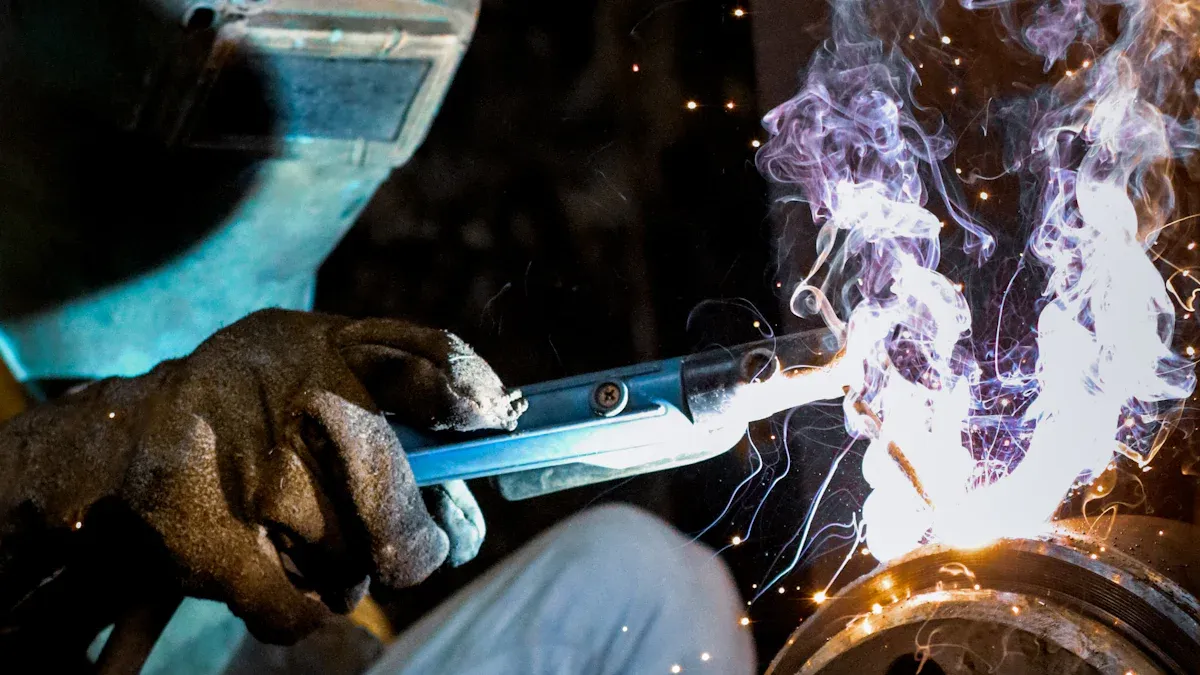
Regular maintenance of my welding helmet is essential for ensuring its longevity and performance. I follow a few key routines to keep my helmet in top shape:
- Regular Cleaning: I clean the lens with a soft cloth and a mild solution. This prevents scratches and ensures clear visibility. I also wipe the helmet shell with a damp cloth to remove any debris.
- Proper Storage: I store my helmet in a cool, dry place. I avoid leaving it in direct sunlight or hot vehicles, as extreme temperatures can damage the components.
- Component Replacement: I replace lenses and shields as needed. Regularly checking and replacing headgear components helps maintain comfort and safety.
By keeping the solar panels clean and unobstructed, I ensure optimal performance. I periodically check battery connections to prevent unexpected shutdowns. Regular cleaning and occasional replacement of the lens cover system guarantee that I have the best visibility while working. Additionally, I wipe down the sensors to ensure they function correctly and check for any damage or wear. This proactive approach helps me maintain safety and performance during my welding tasks.
Staying Informed
Staying informed about advancements in welding helmet technology is crucial for enhancing my welding experience. I make it a point to keep up with the latest developments in the industry. Here are some ways I stay updated:
- I follow industry publications and websites that cover new technologies and safety standards.
- I attend workshops and training sessions to learn about the latest features in welding helmets.
- I engage with fellow welders and professionals to share insights and experiences.
Recent innovations include augmented reality displays that provide real-time data overlays for welders. These advancements enhance safety and efficiency. Smart helmets now feature built-in air filtration systems, ensuring clean air while I work. I also appreciate the faster auto-darkening response times, which significantly reduce eye strain. Some helmets, like Fronius’ Vizor Connect, use Bluetooth technology to darken the lens preemptively before the arc is struck.
By staying informed, I can make better decisions about my equipment and adapt to new techniques. This knowledge not only improves my safety but also enhances my overall productivity.
Understanding and using my welding helmet’s modes correctly is vital for my safety and performance. I recognize that automatic shade adjustment ensures I receive the right level of protection without needing to make manual changes. Ignoring these settings can lead to inadequate eye protection, resulting in fatigue and potential long-term eye damage.
I encourage all welders to regularly check and adjust their helmet settings. This practice not only enhances workflow efficiency but also reduces fatigue and improves optical clarity. By being aware of the features available, I can significantly lower the risk of accidents.
In summary, proper use of my welding helmet leads to enhanced safety and improved welding quality. I commit to staying informed and vigilant about my equipment to ensure the best outcomes in my work.
FAQ
What is the best mode for general welding?
For general welding, I prefer using the auto-darkening mode. It adjusts the lens shade automatically, providing optimal protection and visibility without manual adjustments.
How often should I inspect my welding helmet?
I recommend inspecting my welding helmet before each use. Regular checks help identify any damage or wear, ensuring my safety while welding.
Can I use grind mode for welding tasks?
No, I should not use grind mode for welding tasks. Grind mode offers lower shade levels, which do not provide adequate protection against the intense light from welding arcs.
What should I do if my auto-darkening feature fails?
If my auto-darkening feature fails, I immediately stop using the helmet. I check the battery and connections, and if the issue persists, I consult the manufacturer or replace the helmet.
How can I improve the lifespan of my welding helmet?
To improve my welding helmet’s lifespan, I clean it regularly, store it properly, and replace worn components. Following the manufacturer’s maintenance guidelines also helps.
Is it safe to wear glasses under my welding helmet?
Yes, I can wear glasses under my welding helmet. However, I ensure that the helmet fits properly to avoid any gaps that could expose my eyes to harmful light.
What is the difference between cut mode and grind mode?
Cut mode is designed for cutting tasks, providing a specific shade for visibility. Grind mode, on the other hand, offers a lower shade level for grinding operations, enhancing clarity without the need for full protection.
How do I know if my helmet meets safety standards?
I check for ANSI or ISO certification labels on my welding helmet. These certifications indicate that the helmet meets established safety standards for eye protection during welding activities.
Post time: Oct-20-2025